How we built TableOS
The real build of this app, step by step. We do exactly this for your business, in your name, colours and taste.
Brief
A busy restaurant in Indiranagar runs on paper KOTs, a billing PC at the counter and three phones buzzing with Swiggy, Zomato and WhatsApp orders. Captains walk orders to the kitchen, the tandoor and the Chinese section shout across the pass, bills are edited without a trace and the owner only learns the day's sales after closing.
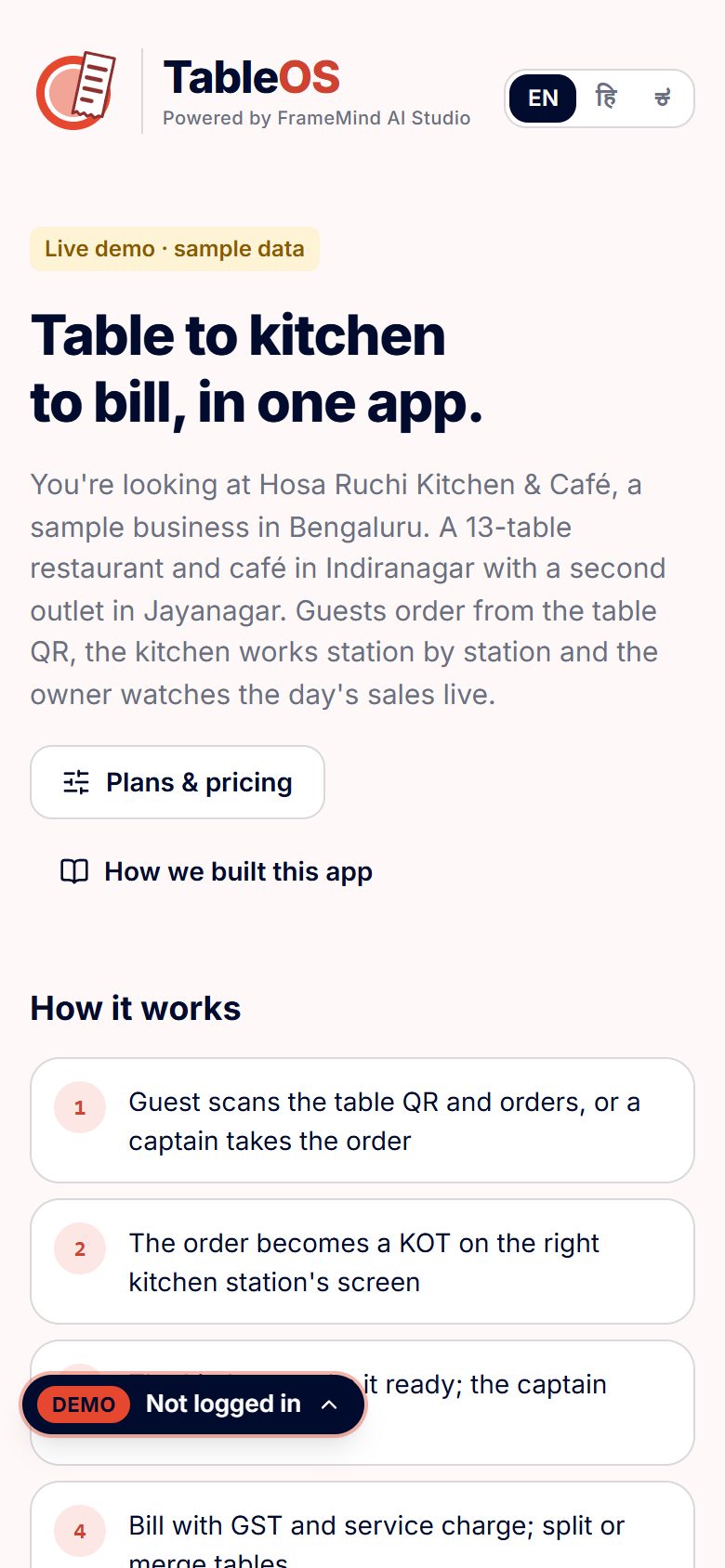
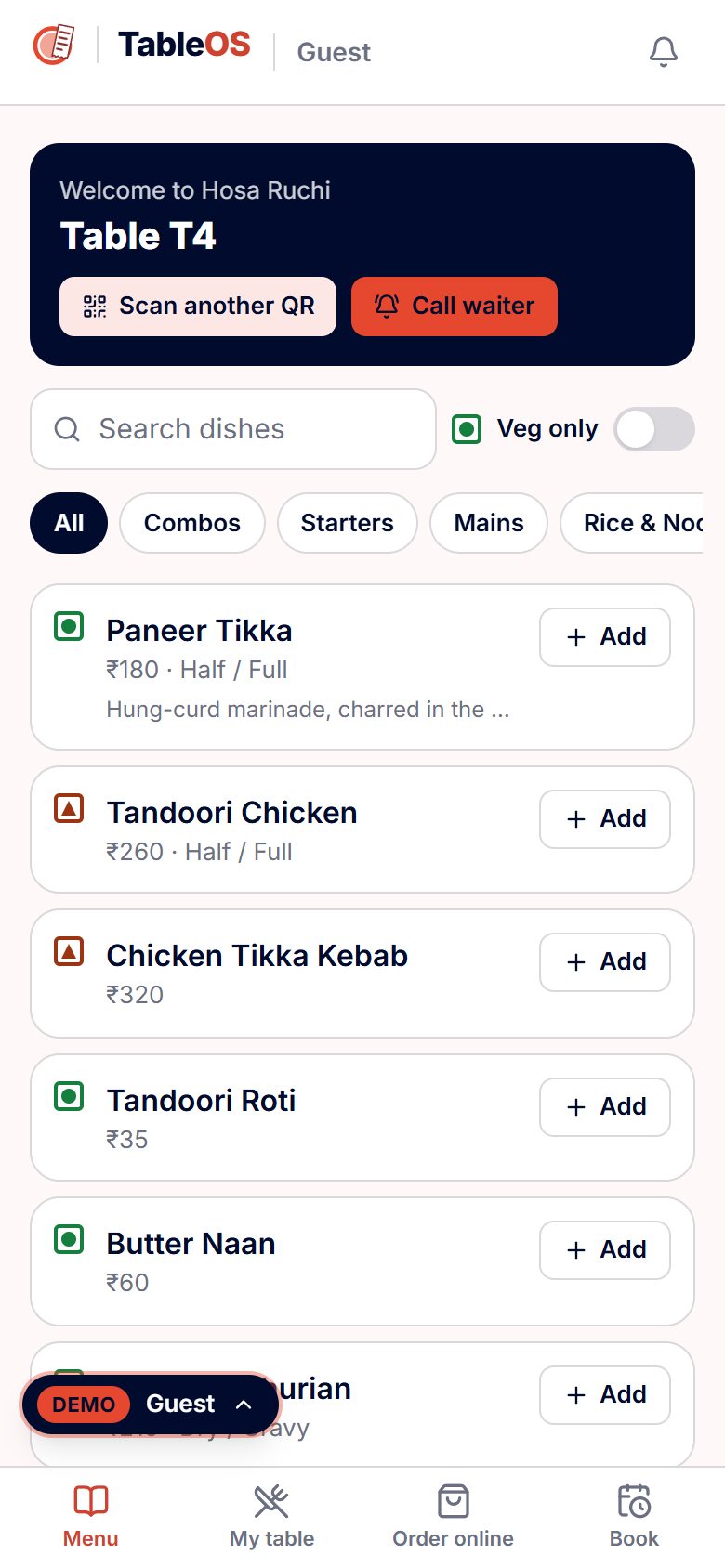
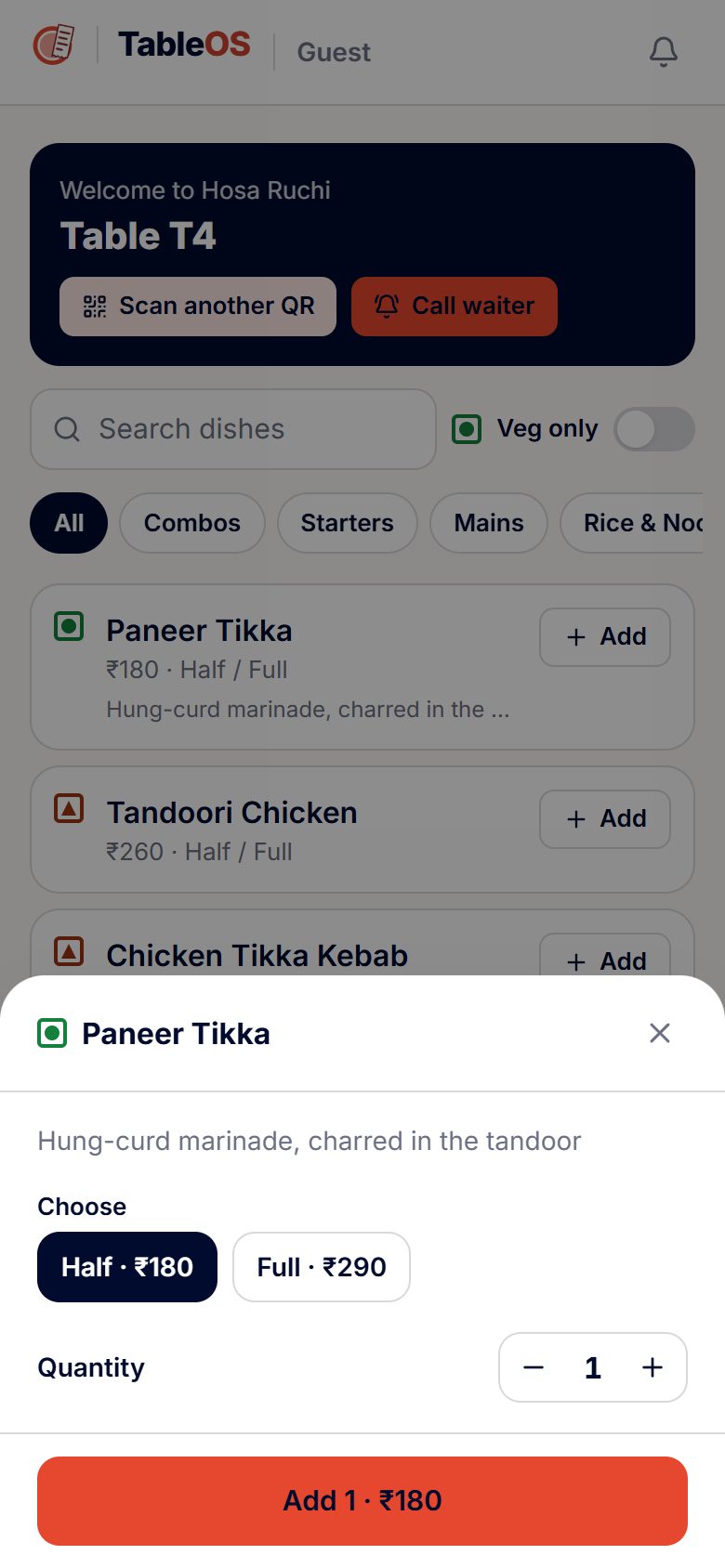
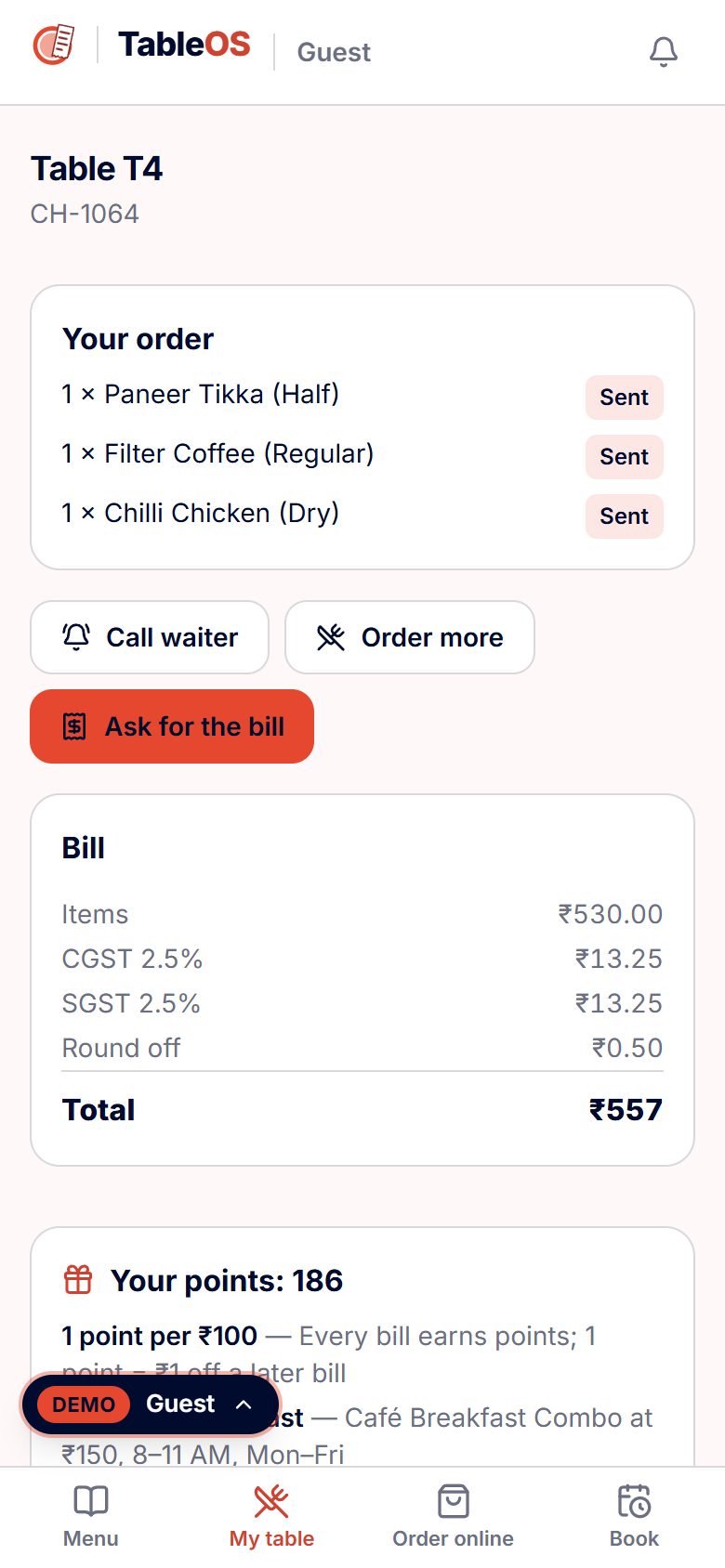
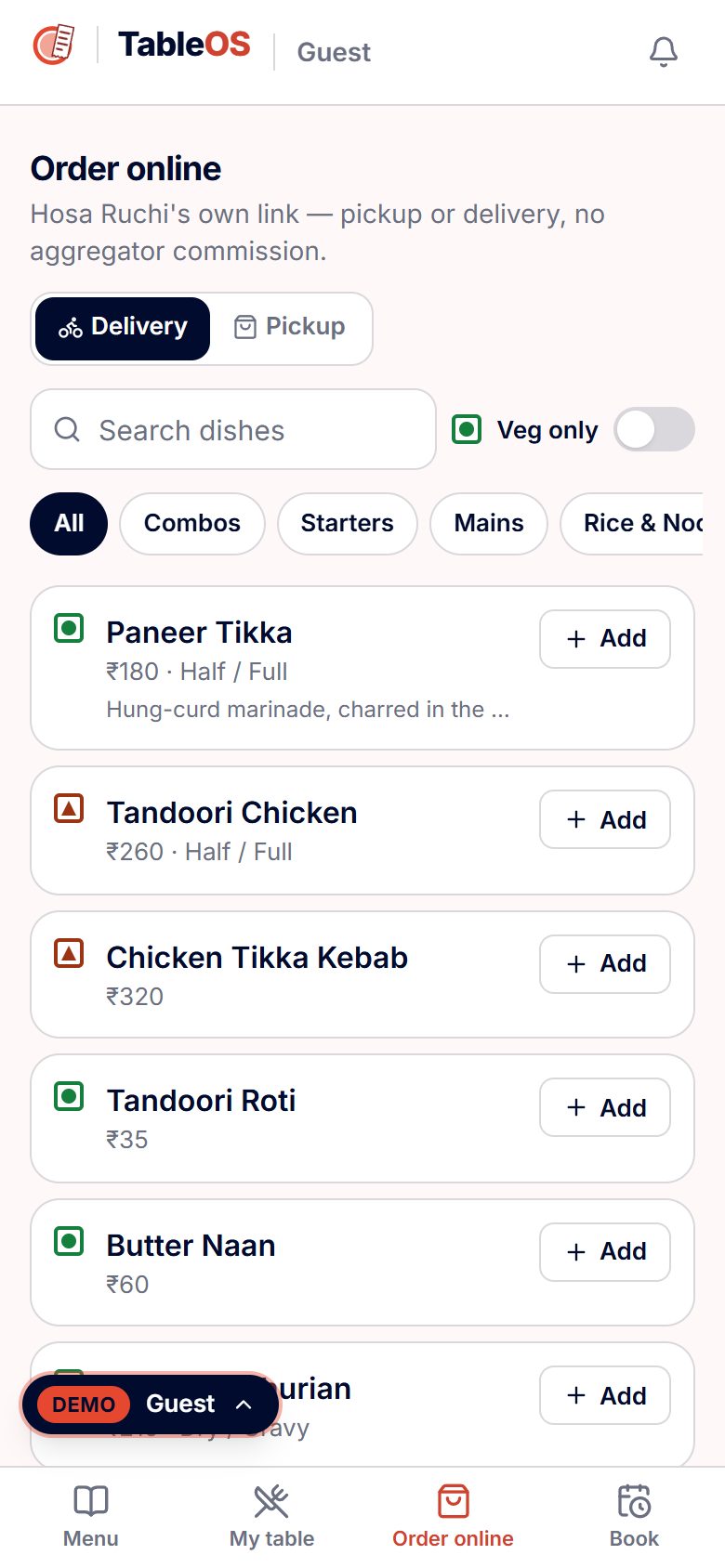
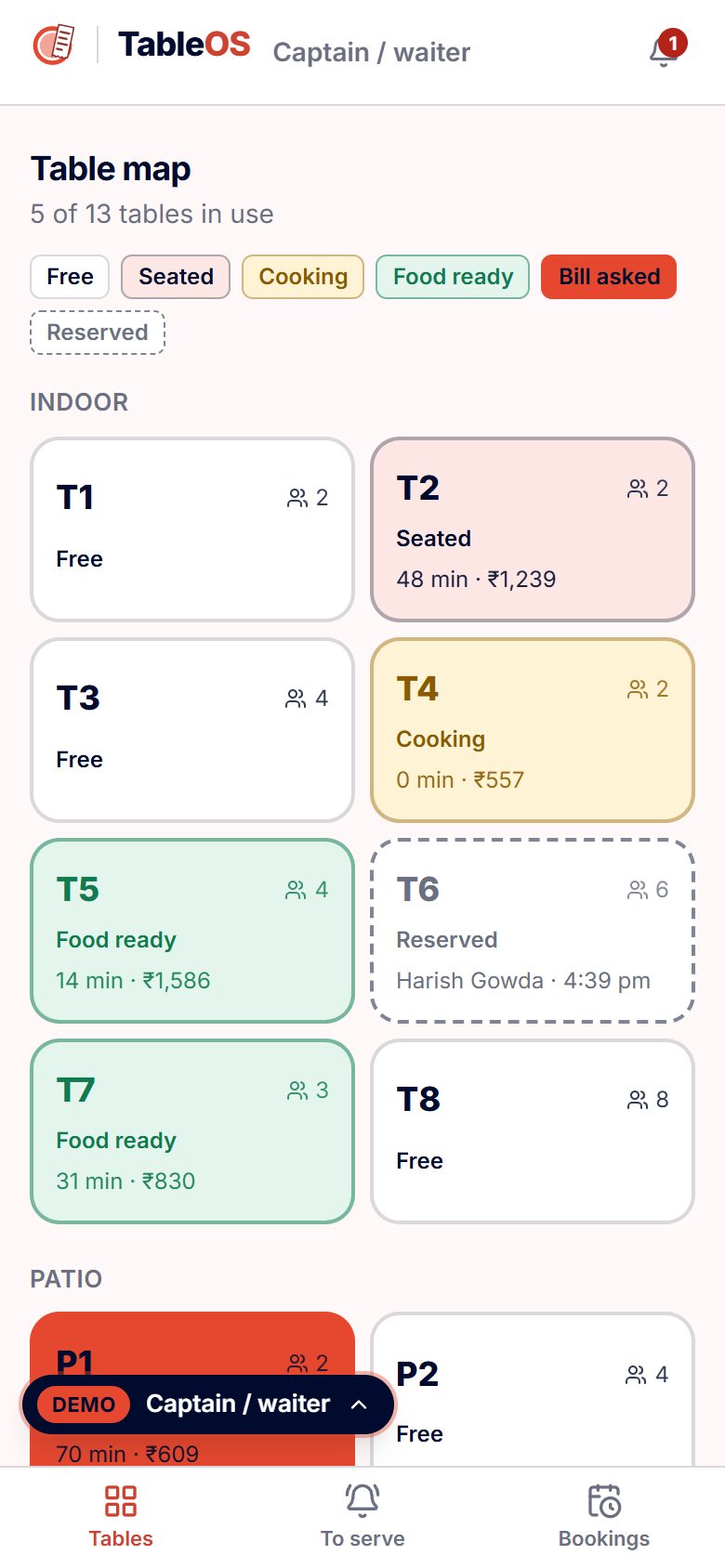
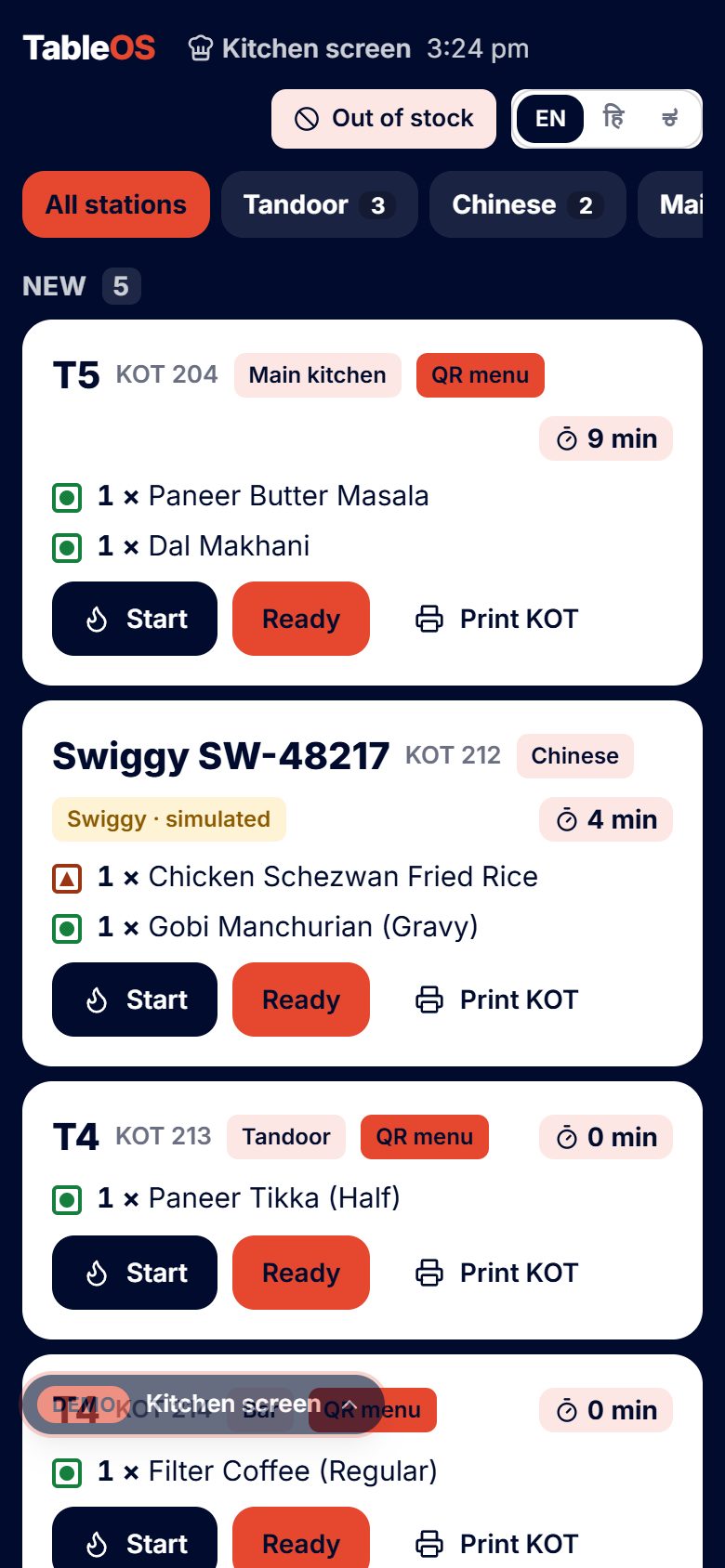
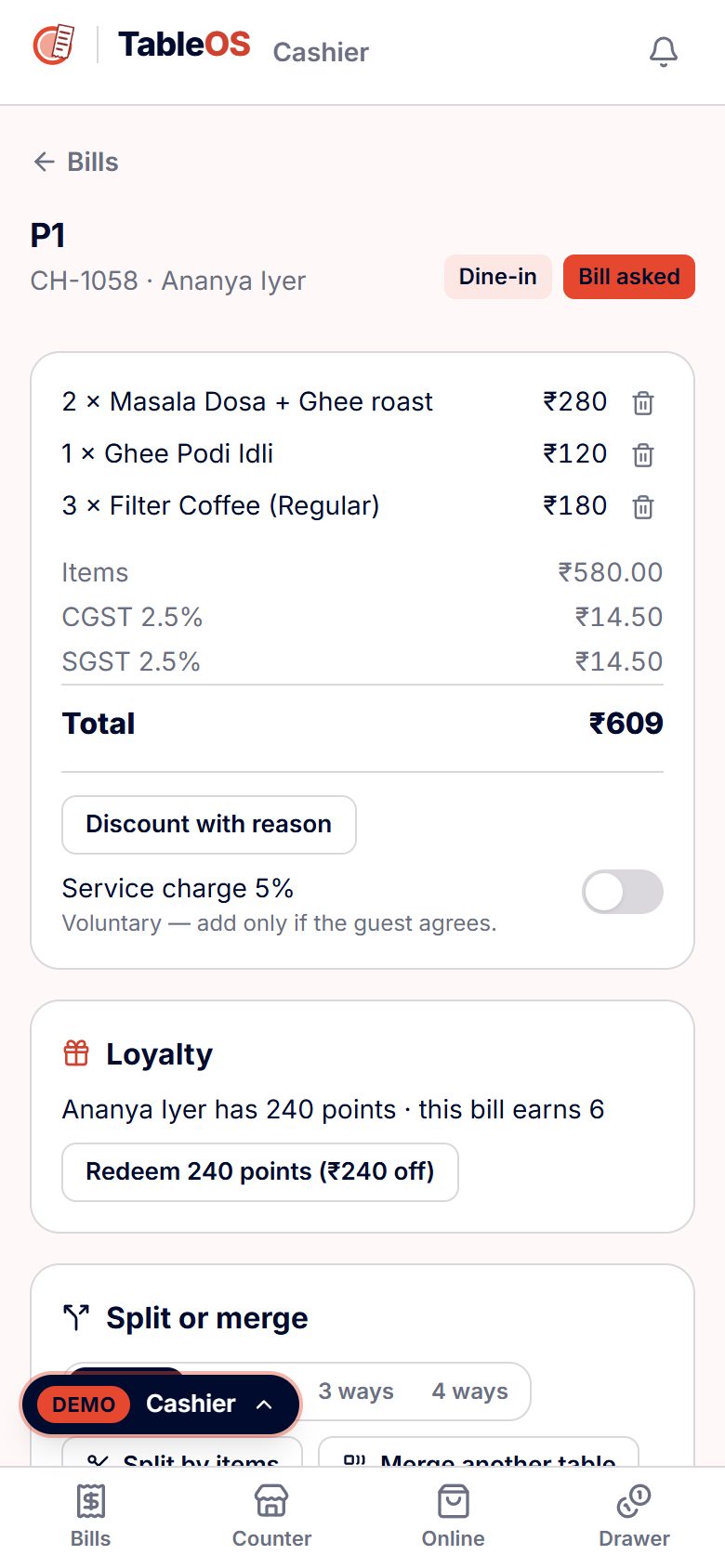
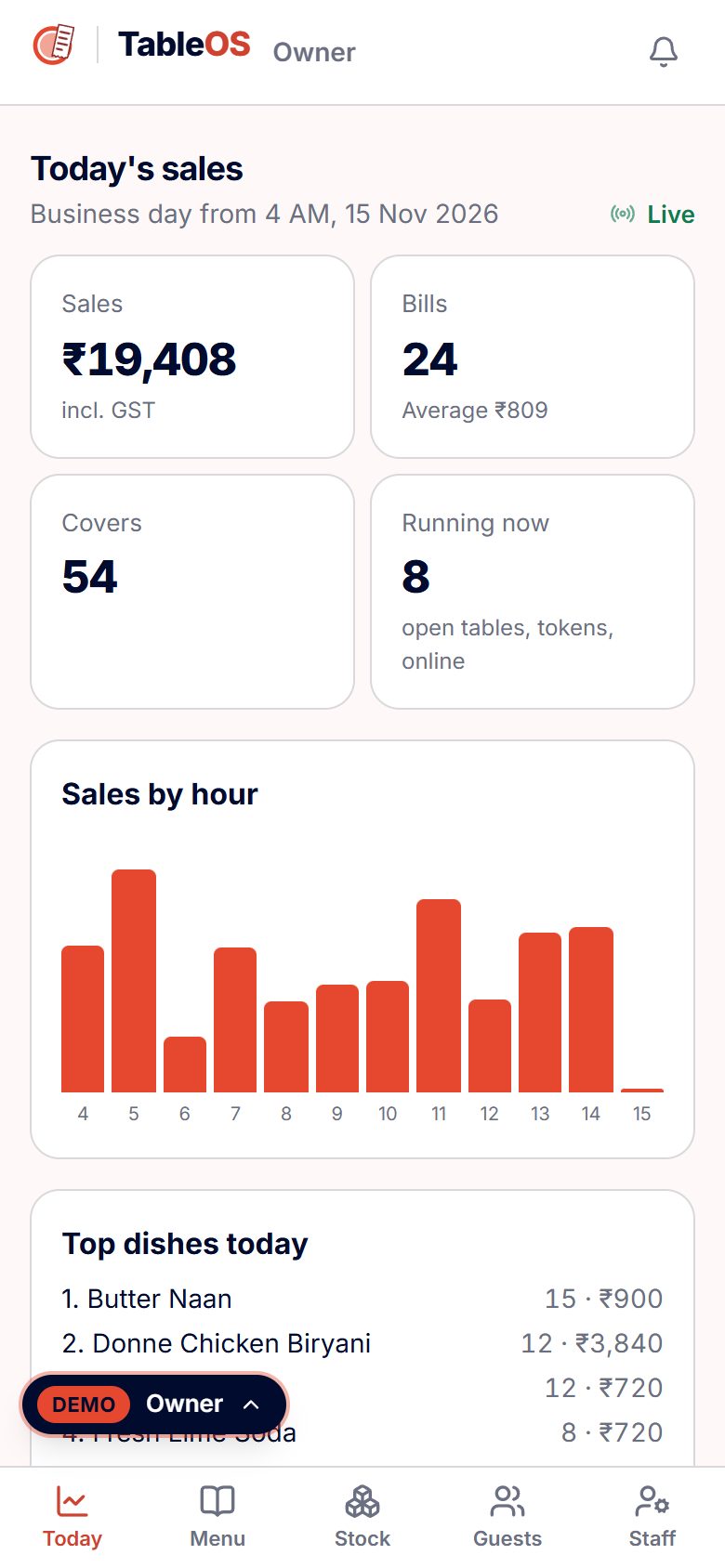
TableOS puts the whole service in one app. The guest scans the table QR and orders from a menu with veg / egg / non-veg marks, variants, add-ons and combos — or the captain takes the order on the table map. Each order becomes a KOT on the right station's screen (tandoor, Chinese, main kitchen, bar) with a timer that turns amber and red. The kitchen taps Ready, the captain serves, and the cashier makes the GST bill — 5% GST, service charge only with the guest's consent, discounts with a reason, split or merged tables, UPI / card / cash and part payments — and sends it on WhatsApp. Feedback and loyalty points follow, and the owner watches the day's sales live.
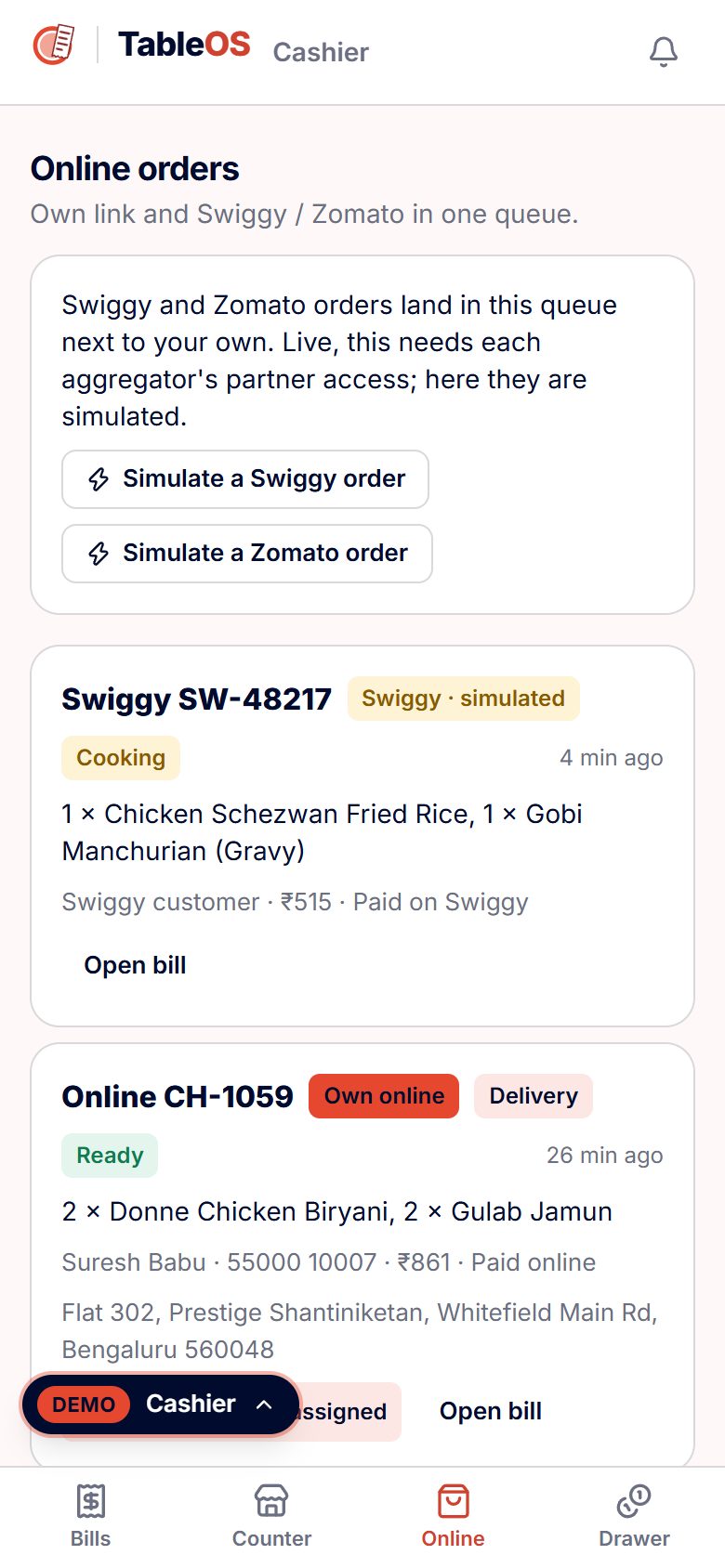
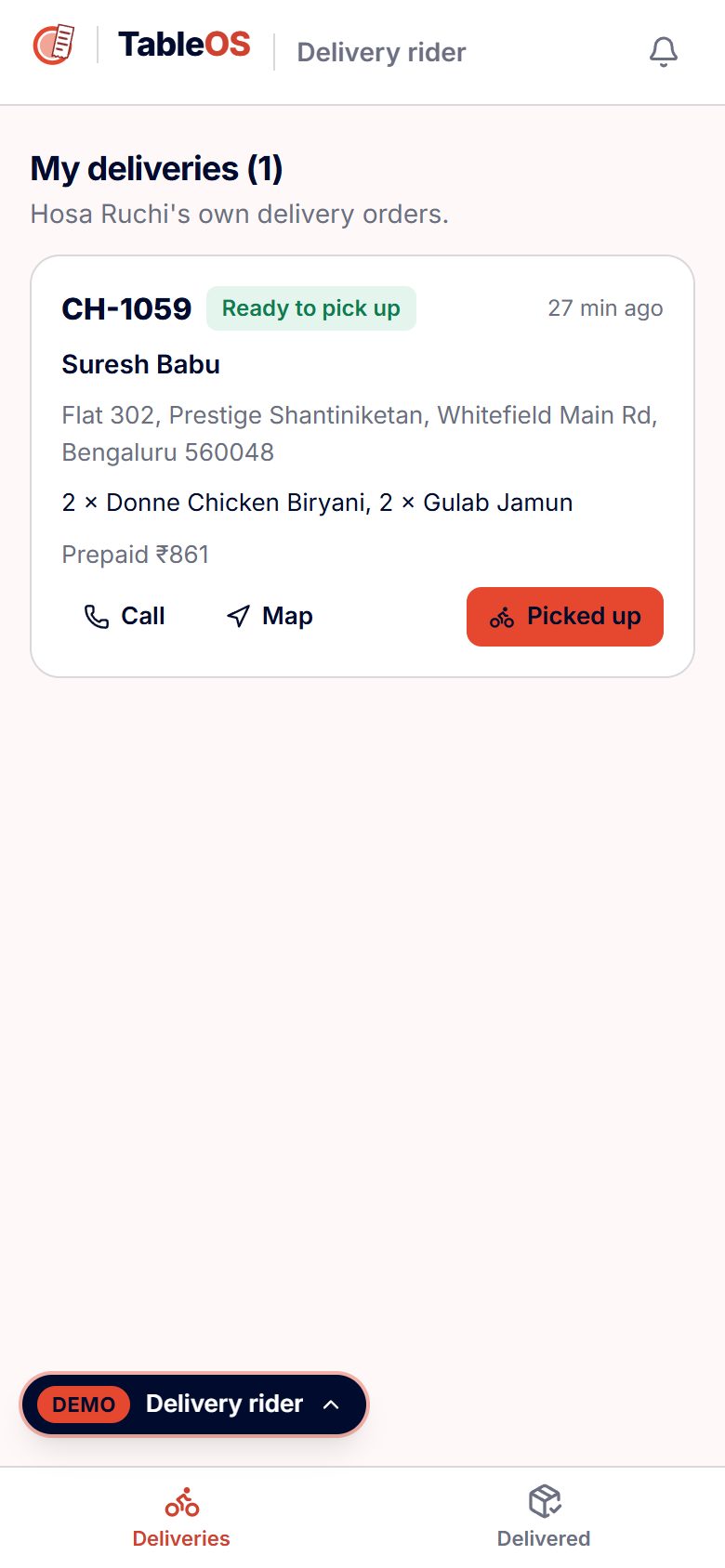
The counter has a token mode for takeaway and the café; the restaurant has its own online ordering link for pickup and delivery without aggregator commission, a rider app closed by the guest's OTP, and reservations with a waitlist. Swiggy / Zomato orders join the same queue — simulated in this demo, because the live version needs each aggregator's partner access.
Names considered
FrameMind TableOS says where the work starts — the table — and fits the family rule (FrameMind <Word>OS, “OS” in the accent). A web check found the first two choices already used by restaurant software.
- TableOS — chosen — table to kitchen to bill
- DineOS — taken — already used by restaurant software
- ServeOS — taken — found in use in the name check
Logo variations







Brand guidelines
Architecture
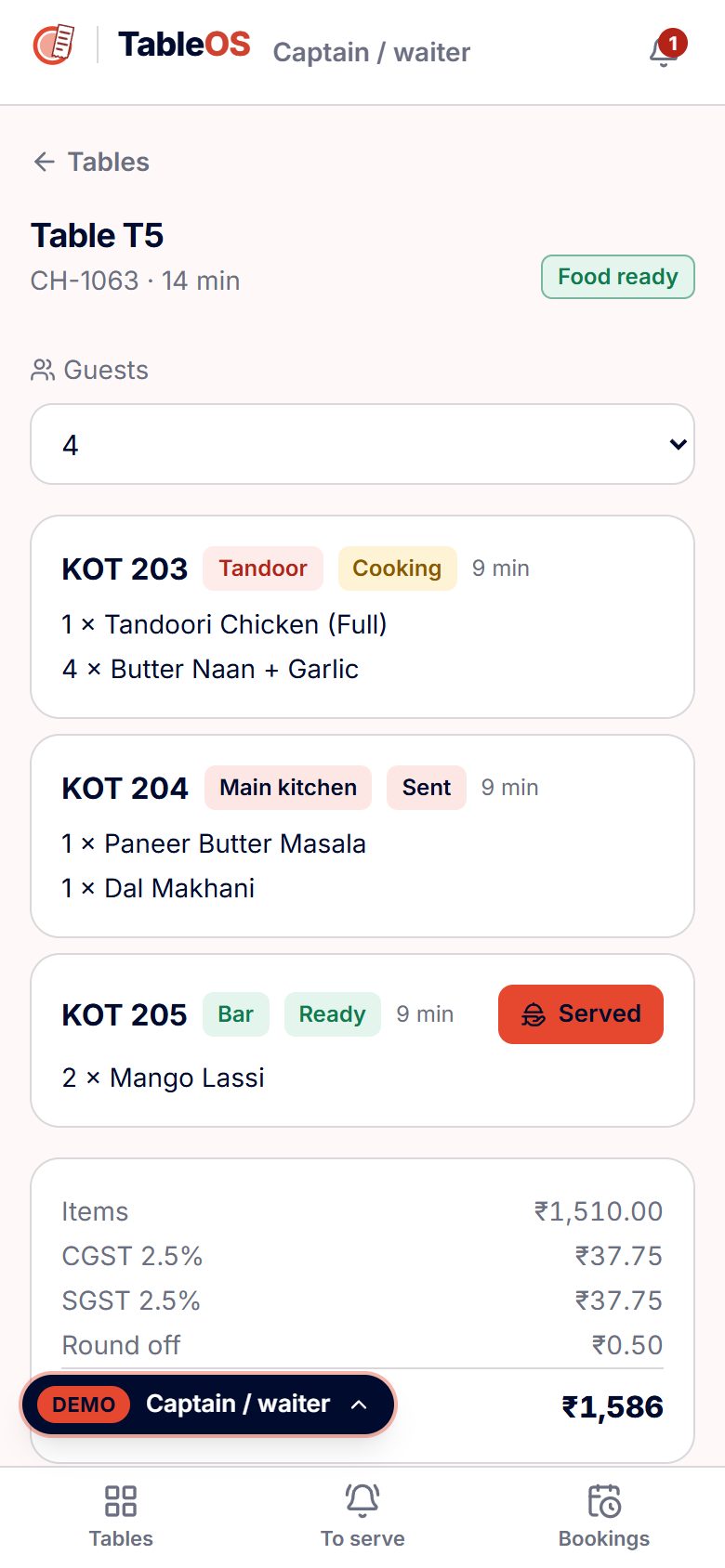
- One check per table, one KOT per station. A table's check holds its lines; every send splits the new lines by station into KOTs, so the tandoor sees only tandoor work. Table state on the map (seated, cooking, ready, bill asked) is worked out from the check and its KOTs, never stored twice.
- Bill maths in one place. Items − discount + service charge (only when switched on with consent) = taxable value; 5% GST shown as CGST 2.5% + SGST 2.5%; rounded to the rupee. Splits are part payments against the same bill, or a new bill for chosen items. Voids, discounts, moves, merges and cancels write the owner's log with a reason and a name.
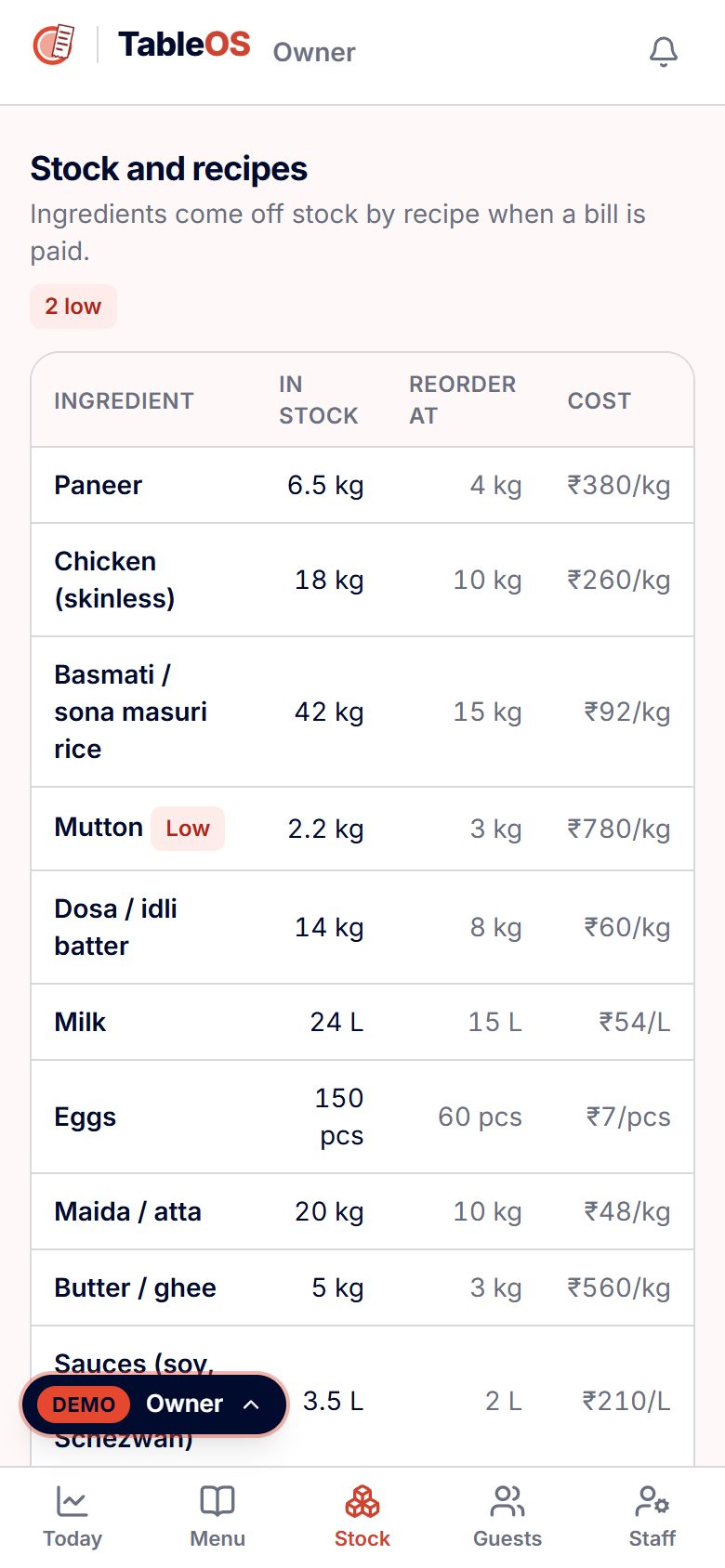
- Stock follows sales. Each dish has a recipe; when a bill is paid its ingredients come off stock, low stock alerts the owner, a purchase order refills it and wastage is logged against it. Menu engineering compares 30-day popularity with contribution margin.
- Static pages only. Built with Next.js on FrameMind's shared core as a static export, served from framemindaistudio.com/apps/table. No server, no sign-up: the demo keeps sample data in the visitor's browser and updates other tabs live; a paying client gets a real backend behind the same data interface.
- Shared core. Dummy logins and route guards for six roles, feature switches with tiers, demo UPI payments, printable bills, KOTs and reports, and English / हिन्दी / ಕನ್ನಡ. The accent is too light for small white text, so accent buttons carry navy text.
Workflow
- 1. Guest scans the table QR and orders, or a captain takes the order
- 2. The order becomes a KOT on the right kitchen station's screen
- 3. The kitchen marks it ready; the captain serves
- 4. Bill with GST and service charge; split or merge tables
- 5. Pay by UPI, card or cash; the bill goes on WhatsApp
- 6. Feedback and loyalty points; the owner sees the day's sales live
Screens
Build log
- 14 Nov 2026Plan approved: ten FrameMind <Name>OS apps, demo only, on one shared core. TableOS second, after TradeOS.
- 14 Nov 2026TableOS brand kit generated by the shared OS family engine: 21 SVG masters, PNG exports, tokens.json and the 6-page guidelines PDF in tandoor red.
- 14 Nov 2026TableOS built on the core: 6 roles, all 27 features from the plan, a 32-dish Bengaluru menu, 4 kitchen stations, 13 tables, open service and the day's bills as sample data.
- 14 Nov 2026Checked in the browser through framemindaistudio.com/apps/table: every role's login and a cross-tab service from QR order to kitchen, captain, split UPI bill and the owner's live sales.
Launch
Live demo: framemindaistudio.com/apps/table, linked from the Restaurants industry page (“Open live demo” and “See how we build yours”).
For a restaurant client: your menu, tables, stations and staff loaded in, your name and colours on the QR menu and bills, and only the features you pick on our Restaurants pricing page. Swiggy / Zomato connection and e-invoicing are add-ons quoted separately.
Want this for your business?
Your name, your colours, your data — live in 3–4 weeks.